 Body Visualizer
No Photo Upload
Explore body-shape changes from measurements and sliders without adding an image.
Transform height, weight, BMI, body fat, and body measurements into a real-time 3D reference you can adjust, compare, and save.
Instead of guessing what a number might look like, use Body Visualizer to explore proportion changes in a clear, repeatable way.
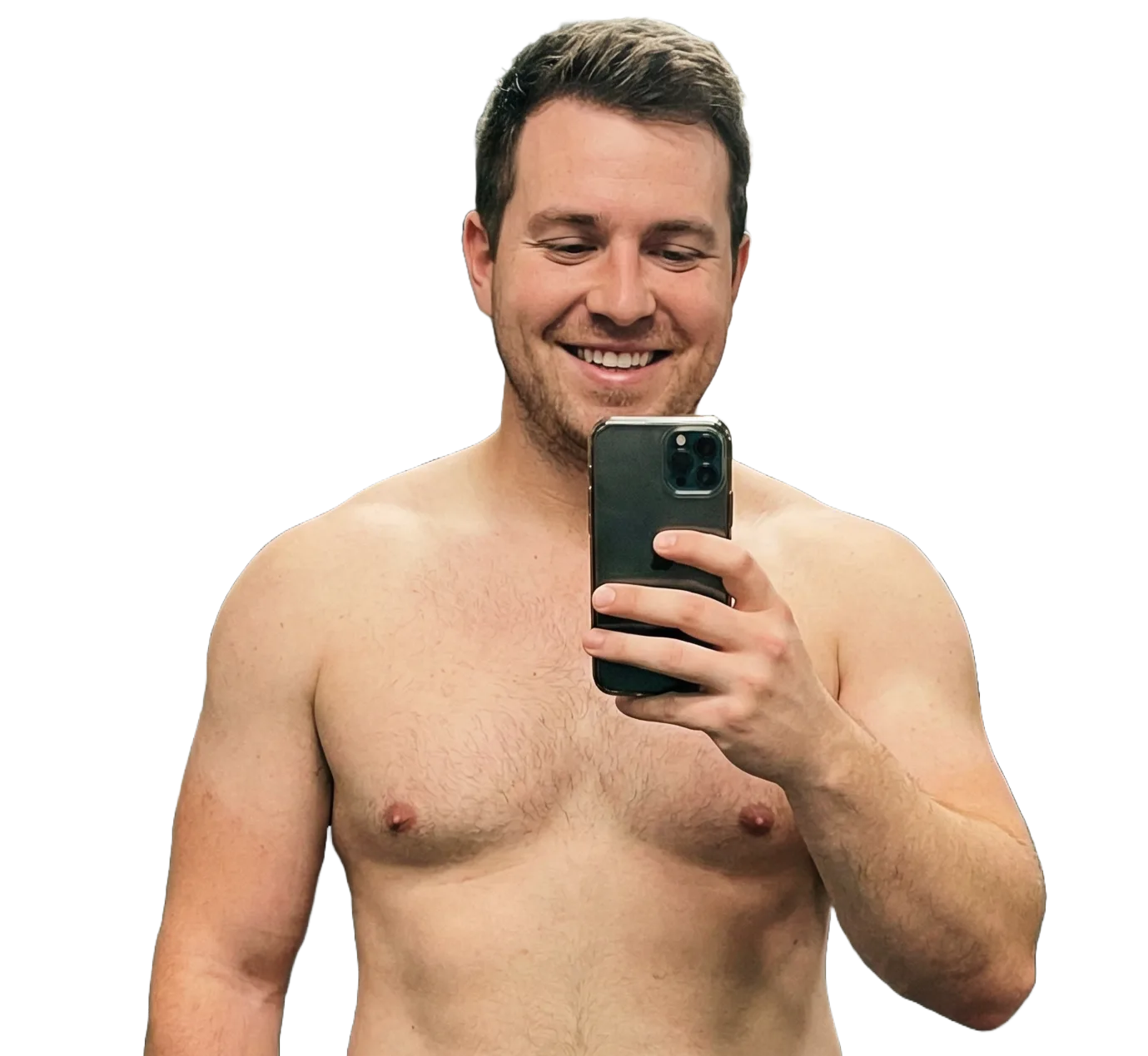
Explore body-shape changes from measurements and sliders without adding an image.
Watch the 3D avatar update instantly as you adjust BMI, body fat, height, weight, and measurements.
Use the same simple controls on desktop or mobile for fast scenario planning.
Turn abstract body numbers into practical visual context for progress tracking, scenario planning, and better body-composition understanding.
See how body composition changes may influence appearance so you can set realistic goals and track outcomes more confidently.
Translate BMI, height, weight, and measurements into a lifelike 3D reference that is easier to interpret than isolated numbers.
Run fast what-if scenarios and compare saved configurations to plan adjustments over time.
Creating your personalized 3D model takes less than a minute with these straightforward steps.
Enter height, weight, and body-fat context. Add chest, waist, hips, and inseam for more detailed shaping.
Body Visualizer maps your stats to a dynamic 3D avatar so you can instantly review proportion and composition changes.
Rotate the model, save presets, and test multiple scenarios to compare progress and plan next steps.
Height, weight, BMI, body fat, and tape measurements work together to shape the 3D preview. BMI is a reference value for height and weight, while chest, waist, hips, and inseam help refine the visible body proportion.
Changes: Sets the model's overall scale so every other value is judged against the person's size.
Watch: At the same weight, shorter bodies can read broader while taller bodies can look more elongated.
Adjust: Start here before tuning weight, BMI, body fat, or tape measurements.
Changes: Changes the broad visual fullness of the body while staying tied to height and BMI.
Watch: Look at the torso, arms, legs, and side profile together instead of one area only.
Adjust: Use it as the broad control, then refine the result with chest, waist, hips, and inseam.
Changes: Shapes the upper torso and helps define the relationship between chest and waist.
Watch: Compare it with waist to read taper, straightness, or upper-body width from different views.
Adjust: Tune this after height and weight when the upper body needs a more specific shape.
Changes: Shapes the midsection and changes how the torso transitions toward the hips.
Watch: Small changes can affect the front view, abdomen side view, and chest-to-hip contrast.
Adjust: Move this in smaller steps because it is one of the most visually sensitive controls.
Changes: Changes lower-body width and the visible balance between waist, pelvis, and thighs.
Watch: It affects the lower silhouette and can make the waist appear narrower or straighter by contrast.
Adjust: Set this after chest and waist are close so the full body proportion stays balanced.
Changes: Adjusts leg length relative to torso length within the same overall height.
Watch: At the same height, a longer inseam creates a shorter-looking torso and longer leg proportion.
Adjust: Set this last, after the model's height and body width feel close to your target.
Everything you need to know about using the Body Visualizer service.
Join thousands of satisfied Body Visualizer users and create your personalized 3D avatar now.